

সার্ভিস জবService jobs
মেরামতের কাজ জমা নেওয়া, কোন কাজ কোন অবস্থায় আছে, কবে ডেলিভারি।Taking in repair jobs, where each one has got to, and when it goes back.
সহায়িকার সূচিGuide index
কোথায় পাবেনWhere to find it বিক্রয়োত্তরAfter-sales → সার্ভিস জবService Jobs
সার্ভিস জব কোথায়Where service jobs live
বাঁ পাশের মেনুতে বিক্রয়োত্তর → সার্ভিস জব। গ্রাহক সারাইয়ের জন্য কিছু দিয়ে গেলে উপরে ডান দিকের "নতুন জব" বোতামে চাপ দিন। জবটা ধাপে ধাপে এগোয়, তাই কোনটা কার কাছে আটকে আছে দেখা যায়।After-sales → Service jobs in the left menu. When a customer leaves something for repair, press "New Job" at the top right. A job moves through stages, so you can see what is sitting with whom.
জব খুলুনOpen the job
গ্রাহকের নাম, জিনিসটা কী, আর কী সমস্যা, এই তিনটা লিখে জব খুলুন। সাথে আনুষঙ্গিক কী কী দিয়ে গেল সেটাও লিখে রাখুন।Open a job with the customer, the item and the fault. Note what accessories came with it too.
রিসিভ স্লিপ দিনGive a receipt slip
জব নম্বরসহ একটা স্লিপ প্রিন্ট করে গ্রাহককে দিন। পরে ওই নম্বর দিয়েই খোঁজ নেওয়া যাবে।Print a slip with the job number and give it to the customer. That number is how they ask after it later.
 ছবিতে চাপ দিলে বড় হবেTap the picture to enlarge
 অবস্থা বদলানMove the job along
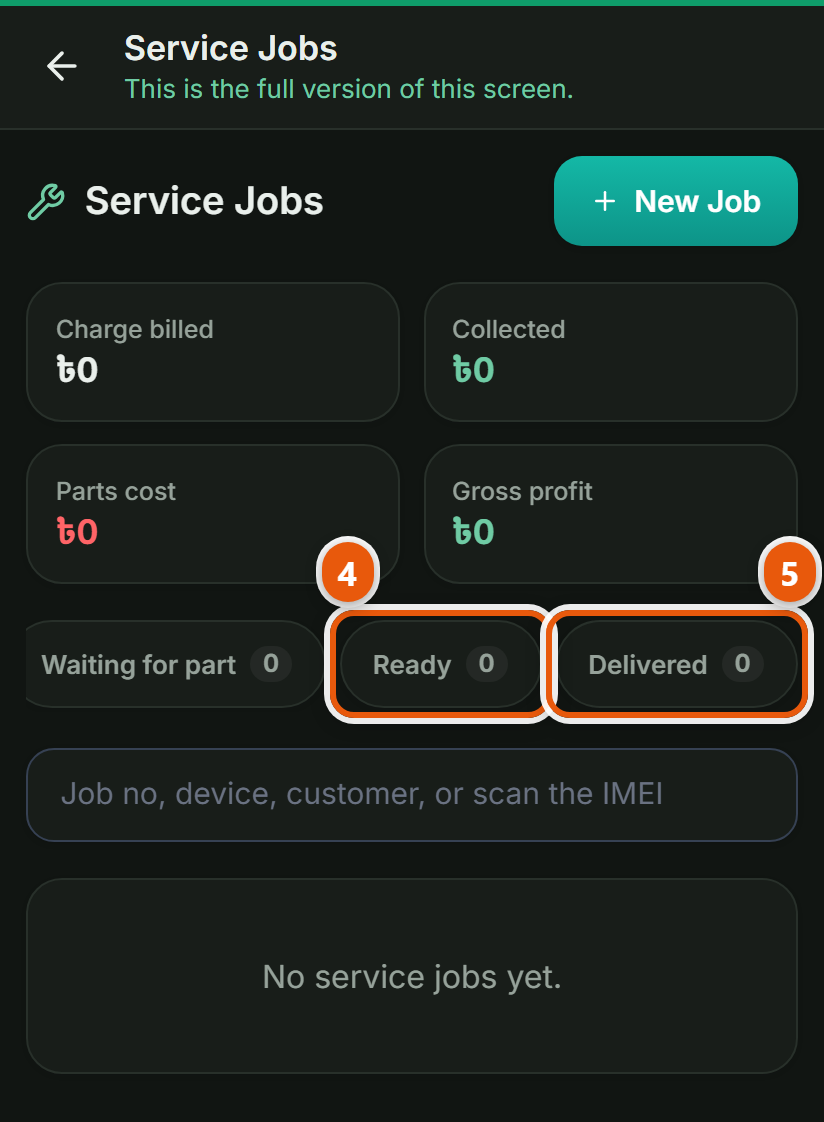
কাজ চলছে, পার্টসের অপেক্ষা, ঠিক হয়ে গেছে, অবস্থাটা বদলে দিন। কোন জব কোথায় আটকে আছে এক নজরে দেখা যাবে।Set the status as it changes: in progress, waiting for parts, ready. You can see at a glance which job is stuck where.
বিল করে ডেলিভারিBill it and hand it over
পার্টস আর মজুরি বসিয়ে বিল করুন, তারপর ডেলিভারি দিন। পার্টস স্টক থেকে বাদ যাবে।Put the parts and the labour on the bill and deliver it. The parts come out of stock.
অন্য যেসব দোকানেও এটা আছেThe other trades that get this
কম্পিউটার দোকানComputer shop · মোবাইল শপMobile shop · বাইক এক্সেসরিজ ও সার্ভিসিংBike accessories & service · ইলেকট্রনিক্স শপElectronics shop · অটো মোটর ও সার্ভিসAuto motors & service
কাপড় ও ফ্যাশন-এর সব কাজ দেখুনAll the jobs for Clothing & fashion